
Style -- 1 day ago

Modern phones are capable of remarkable images, yet most people never push them far enough. Small adjustments in timing, angle and restraint often matter more than megapixels.
Somewhere between the launch of the first camera phone and the moment you realised your iPhone 17 Pro takes better video than your old camcorder ever did, something shifted. The device in your pocket quietly became the main witness to your life. Birthdays, holidays, workouts, restaurant misjudgements, the dog wearing a hat, all of it passes through that little cluster of lenses.
Which is awkward when half the results look like CCTV stills.
The good news is that the problem is almost never the hardware. The latest iPhone 17 Pro, Galaxy S25 Ultra, Pixel 10 Pro, Xiaomi 15 Ultra, Vivo X300 Pro and OnePlus 15 are absurdly capable. What they need is a user who looks slightly less surprised to be holding them. So consider this a calm, mildly sarcastic briefing on smartphone photography tips that actually matter, dressed appropriately for 2025.
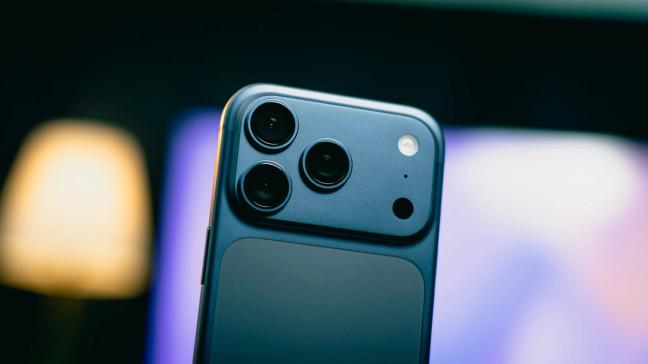
We begin with the least glamorous advice you will ever receive. Wipe the lenses.
Those three or four little circles on the back of your phone spend their days being smeared across pockets, tabletops and the occasional coffee spill. A soft haze over everything you shoot is not “cinematic”. It is fingerprints. Before you take anything that might live longer than twenty-four hours in your camera roll, give the lenses a quick polish with a shirt cuff or a glasses cloth.
The effect is instant. Blacks deepen, colours sharpen, contrast returns, and your Galaxy S25 Ultra stops behaving as though it has just woken up from a nap. It is the digital equivalent of brushing your hair before leaving the house. Tedious, yes. Necessary, also yes.
Your phone is thin and slippery and determined to fling itself floorwards at the worst possible moment. None of this helps stability.
Hold it as if it were an actual camera. Two hands, elbows tucked in, screen at a comfortable distance. If you are indoors, lean against a wall. Outdoors, rest a wrist on a railing or a table. In low light, where the iPhone 17 Pro or Xiaomi 15 Ultra is quietly stacking multiple frames together in Night mode, staying still for an extra second is the difference between “moody bar shot” and “incident in a tunnel”.
If you insist on one-handed shooting, at least use the volume button as the shutter. Jabbing at the screen in the middle of the composition is asking for blur and, eventually, therapy.
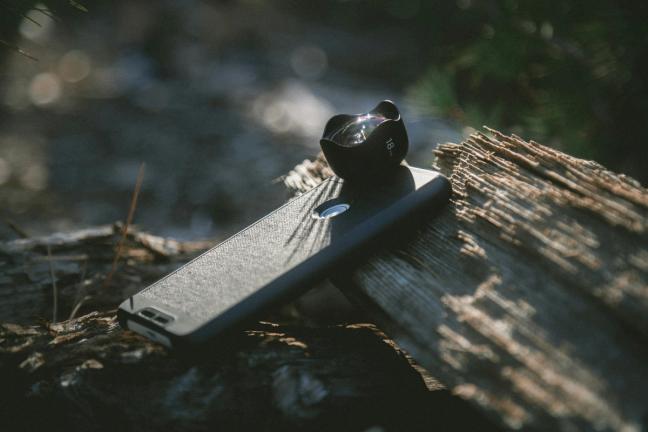
The back of a modern flagship looks like the business end of a small telescope. This is not decoration. It is choice.
On the iPhone 17 Pro you have three 48 megapixel cameras posing as one: an everyday 24 millimetre main lens, a 13 millimetre ultra wide for interiors and drama, and a telephoto that reaches out to 100 and even 200 millimetres when you feel like photographing something further away than your dignity. The Galaxy S25 Ultra adds a 200 megapixel main sensor, a 50 megapixel ultra wide and two telephotos, at roughly 3 times and 5 times, the latter arranged sideways in a periscope so that you can spy on distant details without the phone becoming as thick as a sandwich.
Then there is the Xiaomi 15 Ultra, which arrives with a one inch Leica main lens and serious telephoto companions, and the Vivo X300 Pro, which offers portrait focal lengths at 35, 50 and 85 millimetres as if it were a tray of prime lenses in a studio.
The rule is straightforward. Use the ultra wide for big interiors, architecture and sweeping landscapes when you physically cannot step back any further. Use the main lens for almost everything else; it has the best sensor, the cleanest look and the least drama. Use the telephoto when you are photographing people or distant subjects. Faces look calmer through a longer lens, backgrounds compress and tidy themselves, and you can stand a civilised distance away without resorting to grainy digital zoom.
Think in terms of focal lengths, not “zoom”. It is a small mental shift that makes you look immediately more competent, at least to yourself.
The one thing your phone does not lack is pixels.
The iPhone 17 Pro can shoot 48 megapixel images across its cameras then quietly give you 24 megapixels of very clean detail. The Galaxy S25 Ultra starts from an almost comical 200 megapixels and bins them together for crisp everyday shots, while keeping enough information spare for a surprisingly convincing 2 times crop. The Xiaomi 15 Ultra combines its Leica one inch main with a 200 megapixel telephoto that lets you trim away half the frame and still have something usable left.
In good light, this is effectively free zoom. If you are shooting a cityscape, a building or anything where you might later decide that one particular section deserves its own image, switch to the high-resolution mode and frame a little wider than you think you need. You can make the precise composition decision later on a larger screen, without the image falling apart.
Just do not leave high-res on for everything. In low light, or with fast moving subjects, the phone needs to bin those pixels together for cleaner files and better dynamic range. There is a reason the default modes exist. Think of high-res as your special occasion glass, not the mug you use for everything.

If there is one law that has not changed since cameras were large wooden boxes, it is that light matters more than technology.
All the computational trickery in the Pixel 10 Pro or OnePlus 15 cannot fully rescue a subject placed directly under an overhead spotlight like a suspect in a drama. Find softer, more flattering light instead. Indoors, that usually means near a window, with the subject turned slightly so that the light comes from the side rather than full frontal interrogation. Outdoors, it means avoiding the harsh centre of the day where possible, or stepping into open shade just out of the direct sun.
You will notice that skin tones even out, harsh shadows vanish, and your phone’s automatic HDR stops having to work quite so hard. Most of what passes for “premium smartphone colours” is simply competent cameras given a fighting chance with halfway decent light.
If the sun is directly behind your subject, decide whether you are going for a silhouette or for a lit face. Your phone can pull a little detail from both, especially with all the dynamic range wizardry in the iPhone and Pixel, but it cannot break physics. Tap the face to expose for it, or leave everything dark and dramatic and accept that the sky will blow out like an overexposed postcard.
It is remarkable how many people let their phone guess what the subject is. Given the average street scene in 2025, the poor thing has enough to do already.
Before you take the shot, tap on the part of the frame that matters, usually a face or a particular object. This tells your iPhone 17 Pro or Vivo X300 Pro where to focus and how to meter. Most camera apps then show a small slider next to that point. Slide it down slightly for richer skies and more mood. Slide it up when you want that bright, airy look beloved of brunch posts.
You have, in other words, a very simple manual exposure control hidden in plain sight. Use it. You will be amazed how many otherwise bland images turn into something intentional when you decide, rather than the software, how bright things should be.
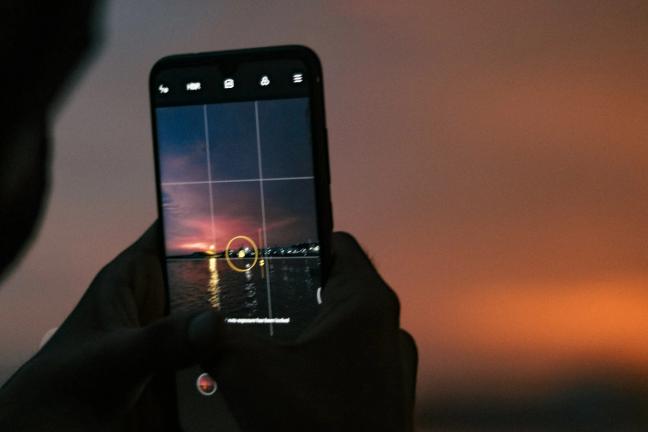
Night mode has become the party trick of modern phones. The Galaxy S25 Ultra, Xiaomi 15 Ultra and OnePlus 15 all have marketing language that makes them sound like they can turn a coal cellar into midday. The iPhone 17 Pro quietly does its own version, stacking frames and cleaning noise while you pretend not to notice.
The catch is that the phone needs time. When Night mode activates, it is effectively taking several photos in quick succession and combining them. If you move too much, or if your subject refuses to stay still, the software has to fight a small war to align everything.
So give it a chance. Brace the phone, hold your breath for a second or two if necessary, and ask your companions to keep still while the little timer ring finishes its rotation. For cityscapes and buildings, consider resting the phone on a wall or a bag. Suddenly you will find yourself with sharp lights, clean detail and very little noise.
Also, not everything needs to be dragged into clinical clarity. A bar should look like a bar. If your OnePlus 15 has turned it into a showroom, pull back the exposure and let some shadows live.
Portrait mode is dangerously fun. The software on your Galaxy S25 Ultra or Vivo X300 Pro detects a person, keeps them sharp and gently blurs the background in a way that suggests expensive glass and a patient professional.
Used well, it is brilliant. Used badly, it produces people with crisp ears and blurred spectacles, or hair that appears to stop abruptly at the air around it.
Start by choosing the right lens. Most phones now offer a telephoto portrait option. On the Vivo X300 Pro you can choose classic 50 or 85 millimetre equivalents. On the Samsung, the 3 times telephoto is usually the better choice. These focal lengths give flattering proportions and a more natural depth fall off.
Frame slightly wider than you think you should, from the chest up rather than chopping at the neck, and make sure there is some separation between your subject and the background. Then, once the shot is taken, reduce the portrait blur strength a notch if your phone allows it. The best portraits look as if they might have been taken with a fast lens. The worst look as if the background has been attacked with the smear tool. Aim for the former.
Artificial intelligence currently sits everywhere in mobile photography like an over enthusiastic special adviser who keeps suggesting “small improvements”. It is not going away, so you may as well enlist it.
On the Pixel 10 Pro, Camera Coach offers hints as you shoot, while the editing tools will cheerfully straighten horizons, punch up skies and even swap facial expressions between frames so that everyone has their eyes open at once. Samsung’s ProVisual engine on the S25 Ultra cleans noise, rescues texture and brightens faces that would otherwise be lost in shadows. OnePlus leans on its DetailMax and Clear Night engines to combine multiple frames into sharper results.
All of this is helpful, right up until it is not. Removing a stray bin, tweaking a crooked composition, or letting the phone quietly balance contrast in a high dynamic range scene is perfectly sensible. Moving buildings, inventing sunsets and smoothing skin until everyone looks like a game character is less so.
Use the tools as a safety net, not a paintbrush. If you can immediately tell that an AI filter has been applied, you have probably gone a little too far.
Pro or Manual modes have a fearsome reputation, largely because they involve numbers. In reality, the phones doing it best in 2025 go out of their way to make the experience tolerable.
On the Galaxy S25 Ultra, Expert RAW lets you control ISO, shutter speed and white balance while still enjoying all the multi-frame cleverness behind the scenes. Xiaomi’s Leica Pro mode on the 15 Ultra offers simple dials and familiar Leica colour profiles. OnePlus 15 gives you 4K 120 frames per second video with LOG and live LUT previews for the moments when you decide, against all reason, to direct something.
You do not have to use these modes daily. But learning, for example, that dialling your exposure down by half a stop in bright sunlight prevents blown highlights, or that a slightly slower shutter with the phone propped up will turn traffic into elegant light trails, gives you options beyond waving the phone around and hoping. Think of it as knowing how to drive a manual car, even if you usually let the automatic do the work.
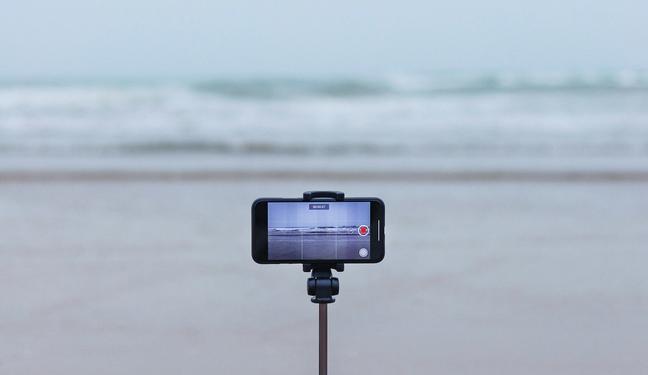
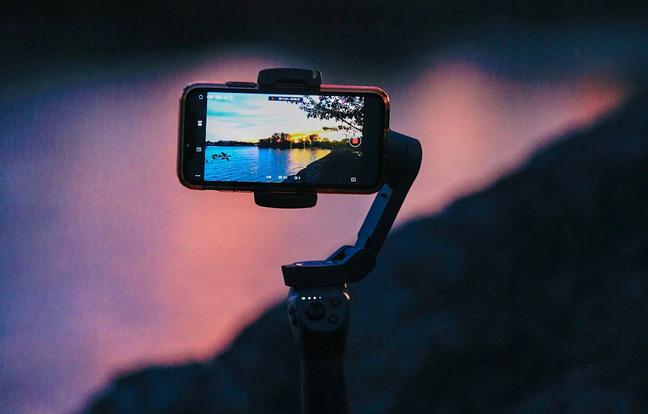
It is easy to forget that the same device you use for photographs is now a perfectly respectable video camera.
The iPhone 17 Pro continues Apple’s mission to equip the entire planet with 4K Dolby Vision shooting and stabilisation good enough to make your clumsy walk look almost deliberate. The Galaxy S25 Ultra does 4K at 120 frames per second and 8K for the moments when you need to see every pore in a building. The Pixel 10 Pro adds its own blend of HDR, stabilisation and AI audio tricks. OnePlus and Xiaomi are not far behind, offering LOG profiles and LUT previews that would once have required proper cinema gear.
For you, the rules are reassuringly simple. Hold the phone horizontally unless you are capturing something specifically vertical. Move slowly. Let the subject provide the action rather than the camera. Use the main lens for most scenes and the ultra wide only when you genuinely need an establishing shot. A short sequence of three or four clips, edited together, looks far more polished than one long, wandering take that captures every hesitation and half sentence.
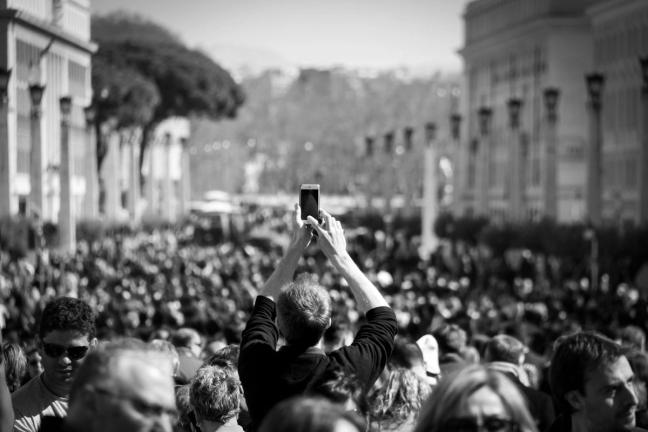
The final, mildly painful truth is that you get better at this by doing it.
The next time you are somewhere interesting, take a few extra seconds and make three deliberate frames instead of one impulsive one. Try the main lens, then the ultra wide, then the telephoto. Kneel down for one, hold the phone overhead for another. Tap to focus in different areas and watch how the exposure changes.
Later, review them with a critical eye and delete the failures. Keep the one version of each idea that actually works. Over time you will notice your own patterns, both good and bad, and quietly adjust.
Your iPhone 17 Pro, Galaxy S25 Ultra, Pixel 10 Pro, Xiaomi 15 Ultra, Vivo X300 Pro or OnePlus 15 is already capable of the sort of work that would have required serious equipment not so long ago. The gap between your results and the glossy samples is rarely hardware. It is habit.
Clean the glass. Hold it properly. Think about light, lens choice and composition before you tap the screen. Let the software help without surrendering taste. Do that, and your photos will start to look less like accidental screenshots of your life and more like something you would actually want to keep.
To receive the latest in style, watches, cars and luxury news, plus receive great offers from the world’s greatest brands every Friday.