Gear -- 12 days ago

Modern smartwatches are more self-sufficient than most people assume. With built-in sensors, storage and connectivity, many functions continue quietly on the wrist alone.
One day, you forget your phone at home and feel an almost existential dread. No maps. No messages. No notifications to ignore. Just you, the outside world and the small slab of glass you have abandoned on the kitchen counter. Then your smartwatch buzzes, calmly continues counting your steps and offers to show you where you are.
At which point you quite reasonably ask: how does a smart watch work without a phone, and why have you been dragging a handset around like a Victorian life support machine if your wrist can clearly cope on its own?
The short answer is that modern smartwatches are no longer accessories. They are small, highly trained computers that occasionally consent to speak to your phone. Give them the right connections, and they function perfectly happily without it. The longer answer is more interesting.
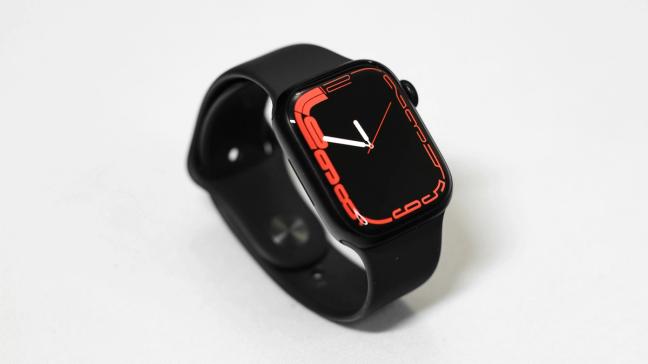
Underneath the fitness slogans and aspirational adverts, every serious smartwatch rests on three pillars: sensors, brains and radios. All of them live on your wrist. None of them strictly needs your phone nearby to work.
The sensors are the overachievers. Tiny optical readers sit on the underside of the watch, measuring heart rate and blood oxygen. Accelerometers and gyroscopes track how you move, how fast you are going and in what direction. GPS chips monitor your position. More recent models throw in skin temperature, barometers, compasses and fall detection, in case you unexpectedly introduce yourself to the pavement. All of this is gathered locally. The phone is invited to view the data late; it does not supervise it in real time.
The brain is a shrunken smartphone processor with a surprising amount of storage. Enough for apps, maps, contacts, training plans and a respectable chunk of your music library. The watch runs its own operating system, executes its own apps, and saves its own data. It does not constantly ask your phone for permission like a nervous intern.
The radios are what make independence realistic rather than theoretical. Bluetooth handles the close-range gossip with your phone, but it is only the first layer. Wi Fi lets the watch go online whenever it meets a familiar network. Built-in cellular, usually in the form of an eSIM, lets it talk to the mobile network directly for calls, texts and data. On the newest and most serious models, there is even a satellite link for when mobile coverage has given up and gone home.
You still need a phone to set everything up initially, to sign in to accounts, approve eSIMs and arrange your apps. After that, the watch is quite capable of getting on with the day without its larger cousin.
Take away the phone, and even a modest smartwatch refuses to die.
At the most basic level, it still tells the time, runs alarms, counts steps and tracks workouts. Heart rate and sleep continue to be logged. You can start a run, measure a gym session, record a bike ride and see distance, pace and calories with the phone nowhere in sight. Music you have stored on the watch will play through wireless headphones. Cards you have added to the wallet app will still tap you through gates and pay for coffee.
Add Wi Fi and the watch becomes more sociable. As long as it can see a trusted network, it will fetch email, messages and app notifications, update weather, sync your calendar and quietly back itself up, all without checking whether the phone is under a cushion nearby.
Add cellular, and it becomes genuinely independent. With its own plan, a watch can make and receive calls, send texts, receive notifications, use maps, stream Spotify or Apple Music, hail a car, share your location and call emergency services, all with your phone powered off in another postcode. At that point, the handset is still useful, but no longer mandatory for daily life.
To see how that works in practice, it helps to look at what the latest flagships actually do.
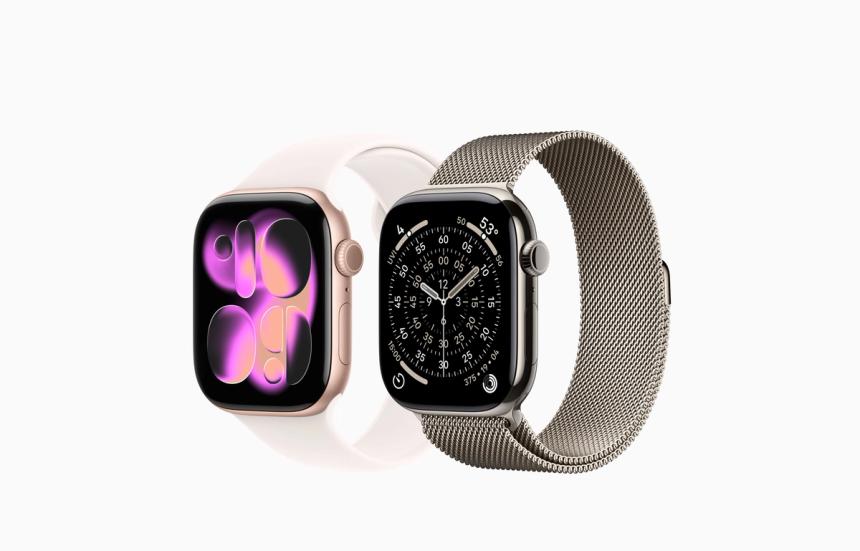
In Apple’s ecosystem, the Series 11 is the default choice for civilians who like their technology invisible and competent.
In its GPS-only guise, it behaves like a classic companion. It leans on the iPhone for calls, texts and most connectivity, but it still tracks activity, workouts, heart rate and sleep perfectly happily on its own. Go for a run with only the watch, and you will come home with your route mapped and your performance analysed, ready to sync to the phone when you get near it again.
In GPS plus Cellular form, it changes temperament. With an eSIM activated, Series 11 talks to the mobile network directly. You can leave the iPhone on the kitchen counter, walk out the door and still answer calls, respond to messages, stream music, use Apple Maps, trigger Siri and tap Apple Pay on card readers. The watch is identified on the network as its own device. The phone becomes a control panel and archive rather than a chaperone.
Day to day, that means the school run, the gym, a quick lunch, even most office hours can be managed with a watch and earphones rather than a handset permanently grafted to your hand.
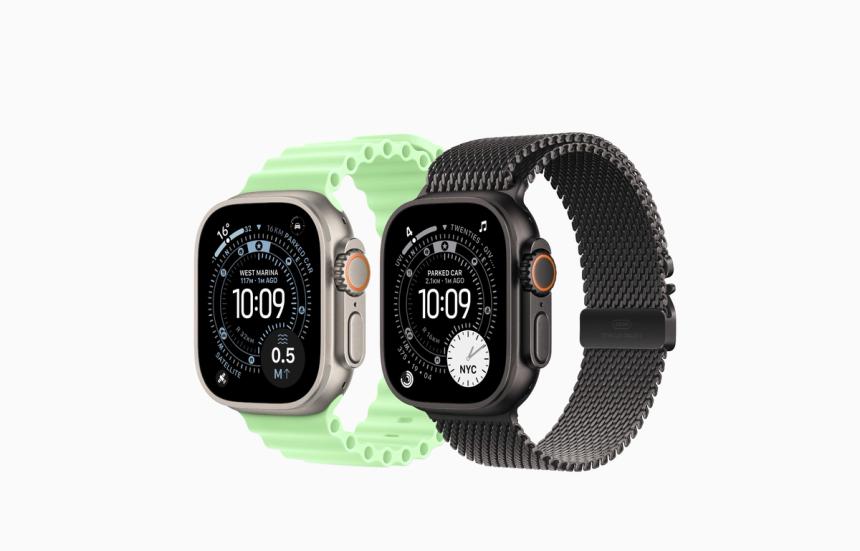
The Ultra 3 is Apple’s answer to people who regard mountains, oceans and deserts as reasonable weekend destinations.
It shares the same cellular independence as the Series 11, so it can place calls, send texts and fetch data completely unaided. It then adds two elements for the terminally outdoorsy. First, a more serious multi-band GPS system, which makes it very good at knowing where you are when your internal sense of direction is lying. Second, a two-way satellite link for emergency use.
That means that even in areas where there is no mobile coverage at all, the watch can still send SOS messages and, in supported regions, short texts to emergency services or designated contacts. It is not meant for casual chat, but it does mean you are not wholly dependent on your phone staying alive in the bottom of a rucksack.
Offline, the Ultra 3 acts as a comprehensive instrument panel. Routes, waypoints, dive plans, altitude data, tide charts, weather and stored music all live on the device itself. The iPhone’s main contributions are charging and post-event analysis.
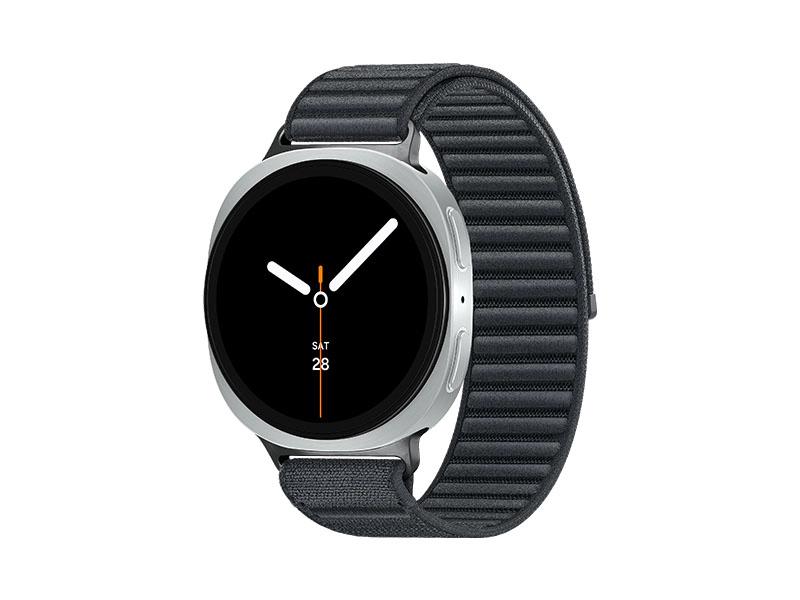
Samsung
Android On Its Own Two Feet
On the Android side, Samsung’s Galaxy Watch Ultra and Galaxy Watch 8 play a similar role for people who prefer Google’s universe.
Both come in LTE variants with eSIM support. Once you have persuaded your operator to give the watch a number and a data plan, it can dial out, receive calls, send and read messages, deliver notifications, run Spotify, use Google Maps and handle Samsung Pay or Google Wallet with no phone nearby.
Leave your Galaxy phone at home and head out with just the watch and wireless buds, and you remain reachable, trackable and capable of buying lunch. Health and fitness features, including sleep tracking, heart rate, stress metrics, body composition estimates and GPS workouts, all continue to function perfectly well and store their data locally until they can sync to Samsung Health later.
The Galaxy Watch Ultra adds a more rugged case, bigger battery and more outdoor features, but the underlying independence is much the same. They are no longer mere accessories. They are small, round smartphones that happen to prefer your wrist to your pocket.
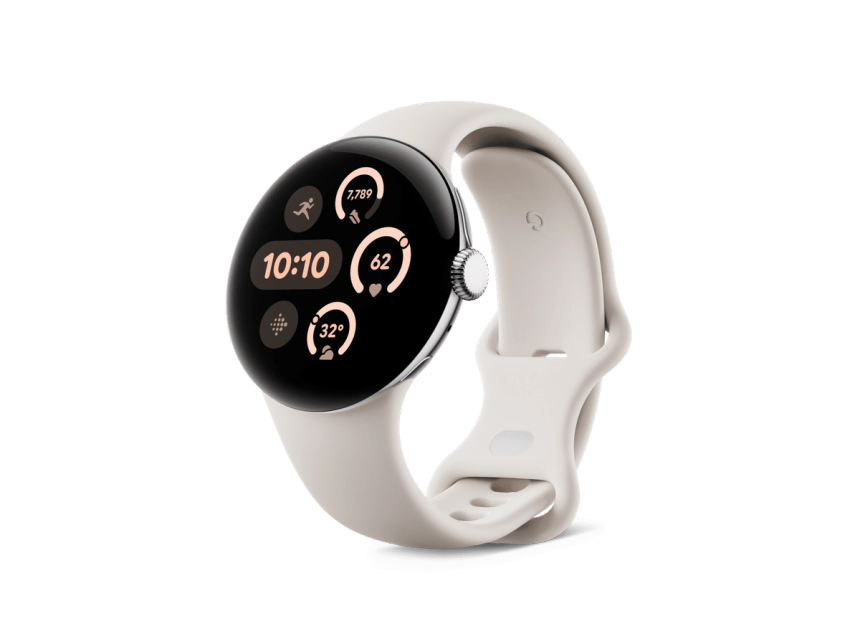
Google’s Pixel Watch 4 is a neat demonstration of how much can be crammed into a small circle of glass and steel.
In its LTE form, it runs on the network much like a miniature Pixel phone. You can place and receive calls, handle SMS or rich chat messages, and manage notifications directly from the watch. Google Maps runs happily on the wrist, with turn-by-turn directions delivered as gentle taps and on-screen arrows, which makes navigating cities strangely enjoyable without the usual routine of walking into lampposts.
Google Wallet works as expected, so you can tap gates and card machines without rummaging. Music from YouTube Music or Spotify can be streamed over LTE or played from playlists saved to the watch.
Health data goes through Fitbit, now tightly integrated. Heart rate, sleep, stress and daily activity are tracked on the device, whether the watch is near the phone or not, then flipped back to your account when they meet.
Some configurations also support satellite-based emergency messaging, reinforcing the impression that the phone is a very nice-to-have, but not mandatory for the Pixel's day job of keeping you functional.
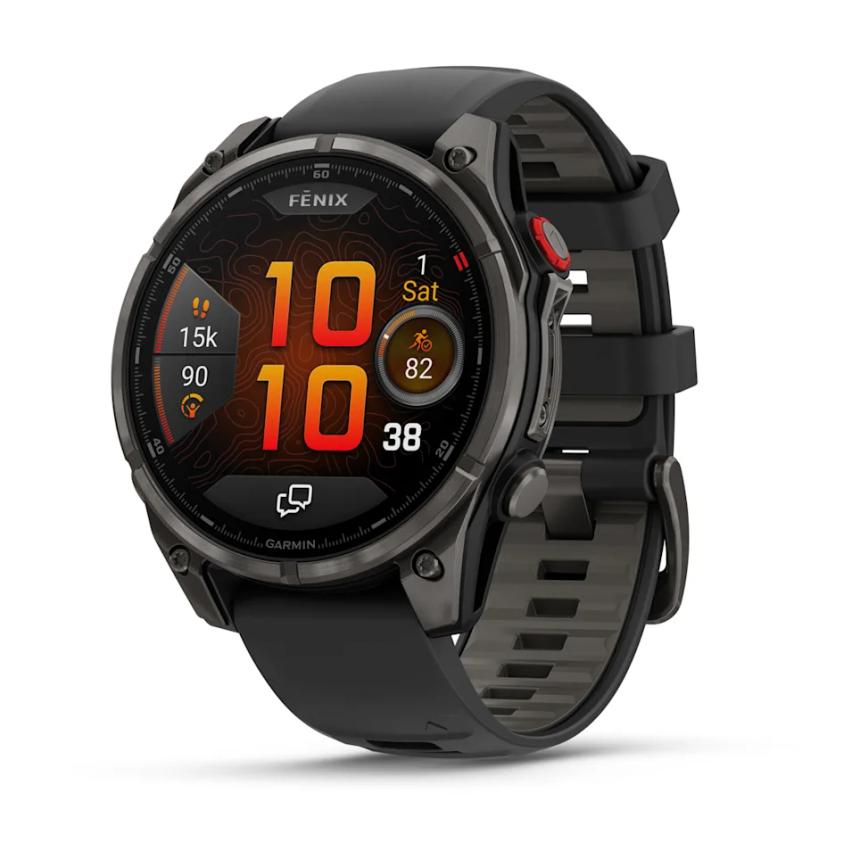
Garmin
For People Who Think Phones Are For Towns
Garmin’s Fenix 8 Pro is less concerned with your email and more with whether you make it back from the hills.
In everyday life, it pairs with your phone and behaves like any serious sports watch. But when you leave the pavement, its party trick is its own connection to the outside world. Certain models have LTE M capability and Garmin’s inReach satellite tech. That lets the watch send and receive messages and SOS calls through Garmin’s servers and satellite network, even when there is no mobile signal and your phone is long deceased.
For navigation and training, it is almost entirely self-contained. Detailed topographic maps, multi-band GPS, route guidance, training load analysis, heart metrics, altitude acclimatisation, and every outdoor sport profile you can think of all live on the watch. It expects to be alone with you for long hours in bad weather and behaves accordingly. The phone is relegated to charging duties and triumphant data visualisations when you get back.
Not everyone needs satellite messaging and expedition-grade casings. More modest recent models still illustrate how far standalone behaviour has spread.
The latest Apple Watch SE in GPS plus Cellular form offers most of the Series 11’s core tricks, calls, messages, music streaming, Apple Pay and health tracking without the more exotic sensors or finishes. It happily handles a workout, a commute and a day of light communication solo, which is more than most of us demand.
Likewise, the LTE version of the Galaxy Watch7 brings standalone calls, messages, NFC payments and full fitness tracking to a more approachable price point. For the majority of people whose definition of adventure is the supermarket rather than the summit, these watches are perfectly adequate as day-to-day phone substitutes for short and medium stretches.
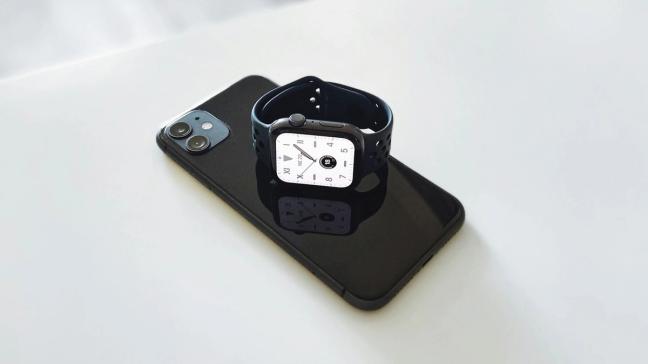
After all of that, the obvious question is whether the phone can finally be demoted to a drawer.
The answer, for the moment, is no. The handset still has important jobs. It is where you set up accounts, browse the web properly, manage complex apps, edit documents, handle banking and tap out messages that run to more than a sentence without losing your patience. It remains the archive, the control centre and the place where you read long articles about things you had not intended to care about.
What has changed is the level of dependency. A few years ago, a smartwatch without a phone was basically a digital watch with ambitions. By the end of 2025, a good cellular smartwatch can handle most of the daily friction of being a person in the world without needing a slab of glass nearby to hold its hand.
For short trips, workouts, evenings out, meetings where phones are frowned upon or days when you simply cannot bear another hour staring at a screen, leaving the phone behind and letting your wrist take the calls is both possible and oddly liberating. The watch is no longer a notification relay. It is a small, competent aide that lets you be contactable and informed without being permanently attached to a rectangle.
The phone will still be waiting for you when you get home. The difference now is that you can choose when to pick it up, instead of dragging it everywhere out of habit and mild fear.
To receive the latest in style, watches, cars and luxury news, plus receive great offers from the world’s greatest brands every Friday.